If you are buying, refinancing, or preparing to sell a house in Nipomo, getting a property appraisal is often one of the most important steps in the process. In most financed transactions, the lender orders the appraisal to confirm the home’s market value before the loan moves forward.
A property appraisal is not the same as a tax assessment. The San Luis Obispo County Assessor handles assessments for tax purposes, while a private appraisal is used to help determine value in a purchase or refinance.
What a Property Appraisal Means
A home appraisal is a professional opinion of value prepared by a licensed or certified appraiser. The appraiser acts as an independent third party, which means the goal is to provide an unbiased estimate based on the property’s condition, features, and recent comparable sales.
For a house in Nipomo, that usually means the appraiser will review square footage, lot size, upgrades, overall condition, and recent nearby sales that are similar in style, age, and location. Even within the same community, two homes can appraise differently if one has updates, deferred maintenance, or features that are harder to compare.
How to Get a Property Appraisal in Nipomo
If you are using a mortgage, your lender will usually order the appraisal after you are in contract or after you submit your refinance application. In most cases, you do not hire the appraiser directly because the lender manages that part of the process.
If you are paying cash, you can still choose to get an appraisal even though it is not required. That can be a smart step if you want an independent opinion before agreeing to a price.
The Basic Process
Here is how the process usually works:
You go under contract on a home or begin a refinance application.
Your lender orders the appraisal if the loan requires one.
The appraiser schedules a visit to the property.
The appraiser inspects the home and reviews comparable sales.
The completed report goes back to the lender for review.
What the Appraiser Looks At
During the appointment, the appraiser will inspect the home and note details that affect value. That includes the layout, size, condition, updates, curb appeal, and any features that make the property more or less competitive compared with similar homes in Nipomo.
The appraiser will also compare the house to recent sales. Those comparable properties help establish whether the contract price makes sense based on what buyers have recently paid for similar homes in the area.
Common Factors That Affect Value
Overall condition of the home
Remodeled kitchens or bathrooms
Roof, windows, and major system updates
Lot size and usable outdoor space
Garage, outbuildings, or extra improvements
Recent comparable sales in Nipomo and nearby areas when relevant
How to Prepare for the Appraisal
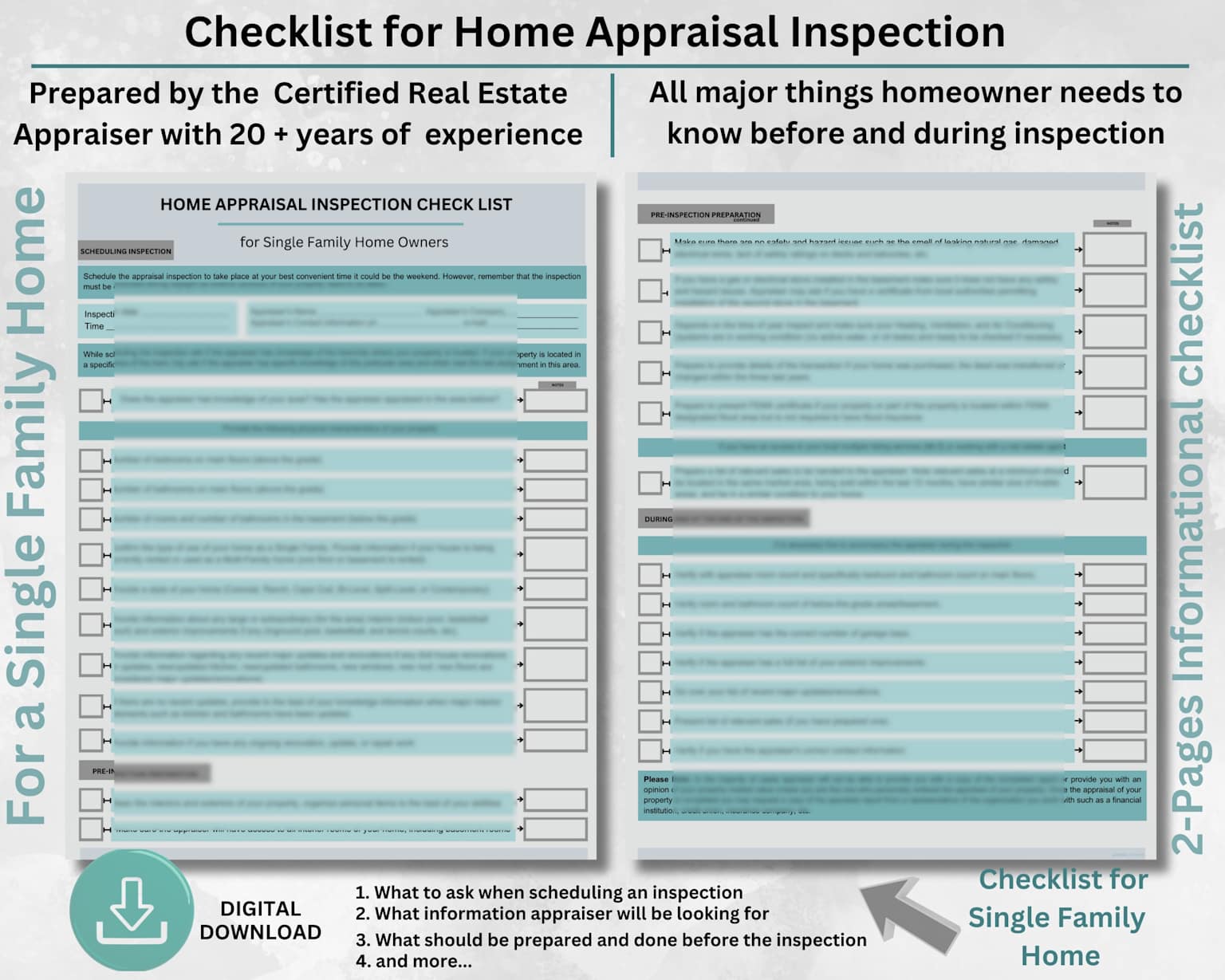
You do not need to make the house look perfect, but preparation does help. A clean and accessible property makes it easier for the appraiser to do a full inspection, and clear documentation can help support the value of upgrades or improvements.
Helpful Prep Steps
Clean the home and make all rooms easy to access.
Prepare a list of upgrades and the approximate dates they were completed.
Gather receipts, permits, warranties, or contractor records if available.
Handle obvious minor maintenance issues when possible.
Make sure the appraiser can access garages, additions, sheds, or detached spaces.
If you have made improvements that are not obvious at first glance, such as insulation, plumbing, electrical, or foundation work, it is helpful to have that information ready. The easier it is to verify updates, the easier it is for the appraiser to consider them appropriately.
What Happens If the Appraisal Comes In Low
A low appraisal does not always mean the sale falls apart. It usually means the lender will base the loan on the appraised value instead of the contract price, which can create a gap that needs to be addressed.
When that happens, buyers and sellers typically have a few options. They may renegotiate the price, the buyer may bring in additional cash, or the parties may review whether there is a basis to request a reconsideration if important information was missed.
Why Local Context Matters in Nipomo
Nipomo has a mix of neighborhoods, lot sizes, home styles, and property types, so local context can matter quite a bit in the appraisal process. A home with acreage, upgrades, or less common features may require more careful comparison than a more standard tract home.
That is one reason it helps to work with a local professional who understands how buyers are viewing the Nipomo market. When pricing expectations are grounded in local sales activity, the appraisal is less likely to feel like a surprise later in the transaction.
What to Keep in Mind Before You Start
If you are buying, the appraisal protects both you and the lender from overpaying based on unsupported value. If you are refinancing or preparing to sell, it gives you a better sense of how the market may view the property today.
Working with Jason Francia and The Francia Team can help you understand how your home may be positioned before the appraisal even takes place. That kind of local guidance can be useful when you are planning your next move in Nipomo and want to avoid surprises.
Learn More About Your Next Steps
If you want a better sense of what your Nipomo home may be worth or how to prepare for the selling process, contact Jason Francia and The Francia Team for local guidance. You can also visit the contact page or explore the team’s seller resources to learn more.
This mode enables people with epilepsy to use the website safely by eliminating the risk of seizures that result from flashing or blinking animations and risky color combinations.
Visually Impaired Mode
Improves website's visuals
This mode adjusts the website for the convenience of users with visual impairments such as Degrading Eyesight, Tunnel Vision, Cataract, Glaucoma, and others.
Cognitive Disability Mode
Helps to focus on specific content
This mode provides different assistive options to help users with cognitive impairments such as Dyslexia, Autism, CVA, and others, to focus on the essential elements of the website more easily.
ADHD Friendly Mode
Reduces distractions and improve focus
This mode helps users with ADHD and Neurodevelopmental disorders to read, browse, and focus on the main website elements more easily while significantly reducing distractions.
Blindness Mode
Allows using the site with your screen-reader
This mode configures the website to be compatible with screen-readers such as JAWS, NVDA, VoiceOver, and TalkBack. A screen-reader is software for blind users that is installed on a computer and smartphone, and websites must be compatible with it.
Online Dictionary
Readable Experience
Content Scaling
Default
Text Magnifier
Readable Font
Dyslexia Friendly
Highlight Titles
Highlight Links
Font Sizing
Default
Line Height
Default
Letter Spacing
Default
Left Aligned
Center Aligned
Right Aligned
Visually Pleasing Experience
Dark Contrast
Light Contrast
Monochrome
High Contrast
High Saturation
Low Saturation
Adjust Text Colors
Adjust Title Colors
Adjust Background Colors
Easy Orientation
Mute Sounds
Hide Images
Virtual Keyboard
Reading Guide
Stop Animations
Reading Mask
Highlight Hover
Highlight Focus
Big Black Cursor
Big White Cursor
Text to Speech
Navigation Keys
Accessibility Statement
franciateam.com
October 23, 2026
Compliance status
We firmly believe that the internet should be available and accessible to anyone, and are committed to providing a website that is accessible to the widest possible audience,
regardless of circumstance and ability.
To fulfill this, we aim to adhere as strictly as possible to the World Wide Web Consortium’s (W3C) Web Content Accessibility Guidelines 2.1 (WCAG 2.1) at the AA level.
These guidelines explain how to make web content accessible to people with a wide array of disabilities. Complying with those guidelines helps us ensure that the website is accessible
to all people: blind people, people with motor impairments, visual impairment, cognitive disabilities, and more.
This website utilizes various technologies that are meant to make it as accessible as possible at all times. We utilize an accessibility interface that allows persons with specific
disabilities to adjust the website’s UI (user interface) and design it to their personal needs.
Additionally, the website utilizes an AI-based application that runs in the background and optimizes its accessibility level constantly. This application remediates the website’s HTML,
adapts Its functionality and behavior for screen-readers used by the blind users, and for keyboard functions used by individuals with motor impairments.
If you’ve found a malfunction or have ideas for improvement, we’ll be happy to hear from you. You can reach out to the website’s operators by using the following email [email protected]
Screen-reader and keyboard navigation
Our website implements the ARIA attributes (Accessible Rich Internet Applications) technique, alongside various different behavioral changes, to ensure blind users visiting with
screen-readers are able to read, comprehend, and enjoy the website’s functions. As soon as a user with a screen-reader enters your site, they immediately receive
a prompt to enter the Screen-Reader Profile so they can browse and operate your site effectively. Here’s how our website covers some of the most important screen-reader requirements,
alongside console screenshots of code examples:
Screen-reader optimization: we run a background process that learns the website’s components from top to bottom, to ensure ongoing compliance even when updating the website.
In this process, we provide screen-readers with meaningful data using the ARIA set of attributes. For example, we provide accurate form labels;
descriptions for actionable icons (social media icons, search icons, cart icons, etc.); validation guidance for form inputs; element roles such as buttons, menus, modal dialogues (popups),
and others. Additionally, the background process scans all of the website’s images and provides an accurate and meaningful image-object-recognition-based description as an ALT (alternate text) tag
for images that are not described. It will also extract texts that are embedded within the image, using an OCR (optical character recognition) technology.
To turn on screen-reader adjustments at any time, users need only to press the Alt+1 keyboard combination. Screen-reader users also get automatic announcements to turn the Screen-reader mode on
as soon as they enter the website.
These adjustments are compatible with all popular screen readers, including JAWS and NVDA.
Keyboard navigation optimization: The background process also adjusts the website’s HTML, and adds various behaviors using JavaScript code to make the website operable by the keyboard. This includes the ability to navigate the website using the Tab and Shift+Tab keys, operate dropdowns with the arrow keys, close them with Esc, trigger buttons and links using the Enter key, navigate between radio and checkbox elements using the arrow keys, and fill them in with the Spacebar or Enter key.Additionally, keyboard users will find quick-navigation and content-skip menus, available at any time by clicking Alt+1, or as the first elements of the site while navigating with the keyboard. The background process also handles triggered popups by moving the keyboard focus towards them as soon as they appear, and not allow the focus drift outside of it.
Users can also use shortcuts such as “M” (menus), “H” (headings), “F” (forms), “B” (buttons), and “G” (graphics) to jump to specific elements.
Disability profiles supported in our website
Epilepsy Safe Mode: this profile enables people with epilepsy to use the website safely by eliminating the risk of seizures that result from flashing or blinking animations and risky color combinations.
Visually Impaired Mode: this mode adjusts the website for the convenience of users with visual impairments such as Degrading Eyesight, Tunnel Vision, Cataract, Glaucoma, and others.
Cognitive Disability Mode: this mode provides different assistive options to help users with cognitive impairments such as Dyslexia, Autism, CVA, and others, to focus on the essential elements of the website more easily.
ADHD Friendly Mode: this mode helps users with ADHD and Neurodevelopmental disorders to read, browse, and focus on the main website elements more easily while significantly reducing distractions.
Blindness Mode: this mode configures the website to be compatible with screen-readers such as JAWS, NVDA, VoiceOver, and TalkBack. A screen-reader is software for blind users that is installed on a computer and smartphone, and websites must be compatible with it.
Keyboard Navigation Profile (Motor-Impaired): this profile enables motor-impaired persons to operate the website using the keyboard Tab, Shift+Tab, and the Enter keys. Users can also use shortcuts such as “M” (menus), “H” (headings), “F” (forms), “B” (buttons), and “G” (graphics) to jump to specific elements.
Additional UI, design, and readability adjustments
Font adjustments – users, can increase and decrease its size, change its family (type), adjust the spacing, alignment, line height, and more.
Color adjustments – users can select various color contrast profiles such as light, dark, inverted, and monochrome. Additionally, users can swap color schemes of titles, texts, and backgrounds, with over 7 different coloring options.
Animations – epileptic users can stop all running animations with the click of a button. Animations controlled by the interface include videos, GIFs, and CSS flashing transitions.
Content highlighting – users can choose to emphasize important elements such as links and titles. They can also choose to highlight focused or hovered elements only.
Audio muting – users with hearing devices may experience headaches or other issues due to automatic audio playing. This option lets users mute the entire website instantly.
Cognitive disorders – we utilize a search engine that is linked to Wikipedia and Wiktionary, allowing people with cognitive disorders to decipher meanings of phrases, initials, slang, and others.
Additional functions – we provide users the option to change cursor color and size, use a printing mode, enable a virtual keyboard, and many other functions.
Browser and assistive technology compatibility
We aim to support the widest array of browsers and assistive technologies as possible, so our users can choose the best fitting tools for them, with as few limitations as possible. Therefore, we have worked very hard to be able to support all major systems that comprise over 95% of the user market share including Google Chrome, Mozilla Firefox, Apple Safari, Opera and Microsoft Edge, JAWS and NVDA (screen readers), both for Windows and for MAC users.
Notes, comments, and feedback
Despite our very best efforts to allow anybody to adjust the website to their needs, there may still be pages or sections that are not fully accessible, are in the process of becoming accessible, or are lacking an adequate technological solution to make them accessible. Still, we are continually improving our accessibility, adding, updating and improving its options and features, and developing and adopting new technologies. All this is meant to reach the optimal level of accessibility, following technological advancements. For any assistance, please reach out to [email protected]